Friday, April 12, 2013

Silver Efex Pro

As I edited in Silver Efex Pro, I added two control points to the Hollywood sign. I had them at the same shape and adjusted them accordingly. Then, I added a Coffee filter and adjusted the contrast and exposure along with the different color tones. I then added a edge burn and then an image border. 

This is the original picture.

Wednesday, April 10, 2013

Night Scape / Lights at Night

 I reduced the light a bit because it was too bright. Then I messed with the shadows and light - I also sharpened it.
 I cropped this a little bit and then straightened it on Lightroom and darkened it a little bit more.
 Cropped this on Lightroom and then brightened it and adjusted the contrast.
I adjusted the exposure and contrast and messed with the highlights on this picture. I also brought out the lights a bit more so the reflection in the puddle could be more noticeable and bit more dramatic. All editing was done on Lightroom.

Wednesday, March 27, 2013

hdr


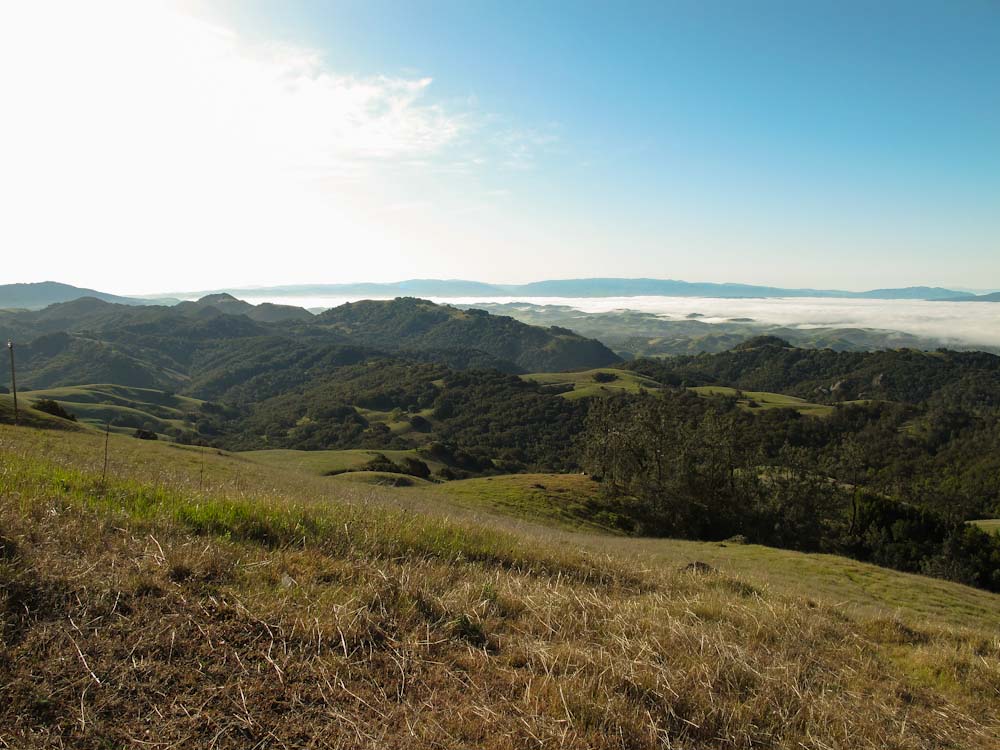
Mt. Diablo

 I enhanced the sharpness and boosted the exposure and highlights.
 Adjusted the greens and orange a bit.
 Adjusted the blue sky.
 Not very much editing going on here.
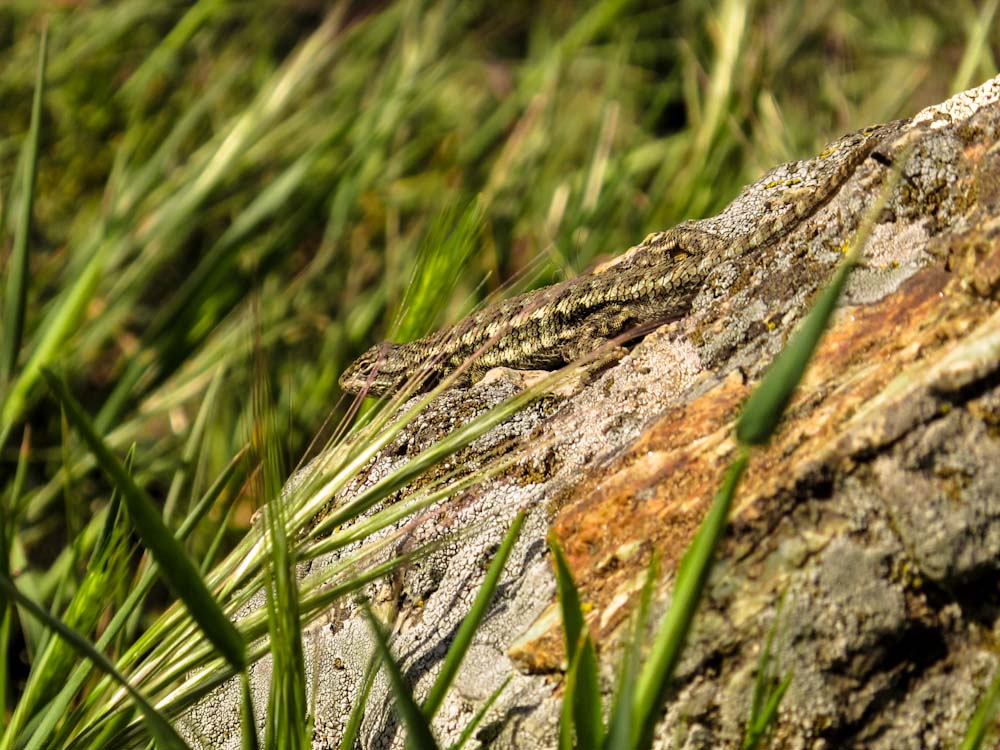
 Lizard. :D Adjusted the contrast and greens a bit


Friday, March 1, 2013


I edited all of these pictures in Light room and I just adjusted all the contrast and exposure so I could get the right tone of Sepia for each picture.

Surrealism

I took this picture at the dock at the Martinez Marina and i flipped the picture because the reflection in the water is somewhat so real.


I put a picture of train tracks over the picture of Maddie. I edited both pictures in Lightroom by converting them to black and white.

Friday, December 7, 2012

Studio shoot ; Home-made Backdrop

 For my studio shoot, I went with the plain black backdrop. I edited this picture in lightroom with brightening it a little. I sharpened it a bit, and then edited some spots in photoshop with clone stamp.
 I edited this entire picture in lightroom. I adjusted the color settings to black and white an then messed around with the temperature until I got the temperature I wanted.
 I edited this in lightroom; I changed it to the preset Sepia tone, and then played with the highlights, darks, shadows, and exposure in order for the picture to be well balanced.
In lightroom, I changed the color tone to black and white and then changed the temperature.